How to connect your AEG dishwasher to the app
Resolution
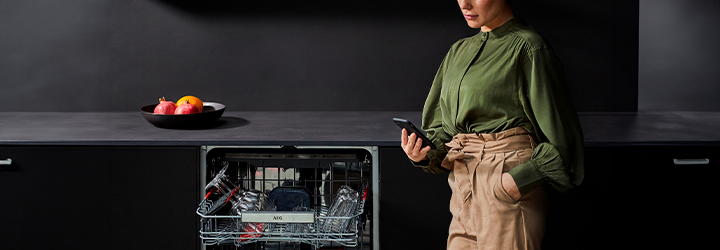
Connect your dishwasher to the AEG app to access additional features, such as sustainability tips and maintenance reminders.
1. Download the AEG app.


2. Create a user account and log in.
3. Select your appliance in the app.
4. Follow the instructions in the app.
For more information about your specific dishwasher model, check the user manual.
Was this article helpful?
Related Articles
- Dishwasher displays error message iF0, iFo or iF1
- Symbols & programmes on your AEG dishwasher
- Dishwasher is making unusual noises
- Dishwasher displays error message C2, F2, i20, AL6, beeps 2 times or LED flashes 2 times
- Rust spots on cutlery after washing in the dishwasher
- Dishwasher does not / will not start but the power is on
- Water is being filled into the dishwasher even when it is turned off
- Dishwasher displays error code iC0 - Causes and Fixes
- Dishwasher does not switch on, no light on the panel
- The auto-cleaning indicator ("Machine Care") lights up on the dishwasher
Related Articles
- Dishwasher displays error message iF0, iFo or iF1
- Symbols & programmes on your AEG dishwasher
- Dishwasher is making unusual noises
- Dishwasher displays error message C2, F2, i20, AL6, beeps 2 times or LED flashes 2 times
- Rust spots on cutlery after washing in the dishwasher
- Dishwasher does not / will not start but the power is on
- Water is being filled into the dishwasher even when it is turned off
- Dishwasher displays error code iC0 - Causes and Fixes
- Dishwasher does not switch on, no light on the panel
- The auto-cleaning indicator ("Machine Care") lights up on the dishwasher